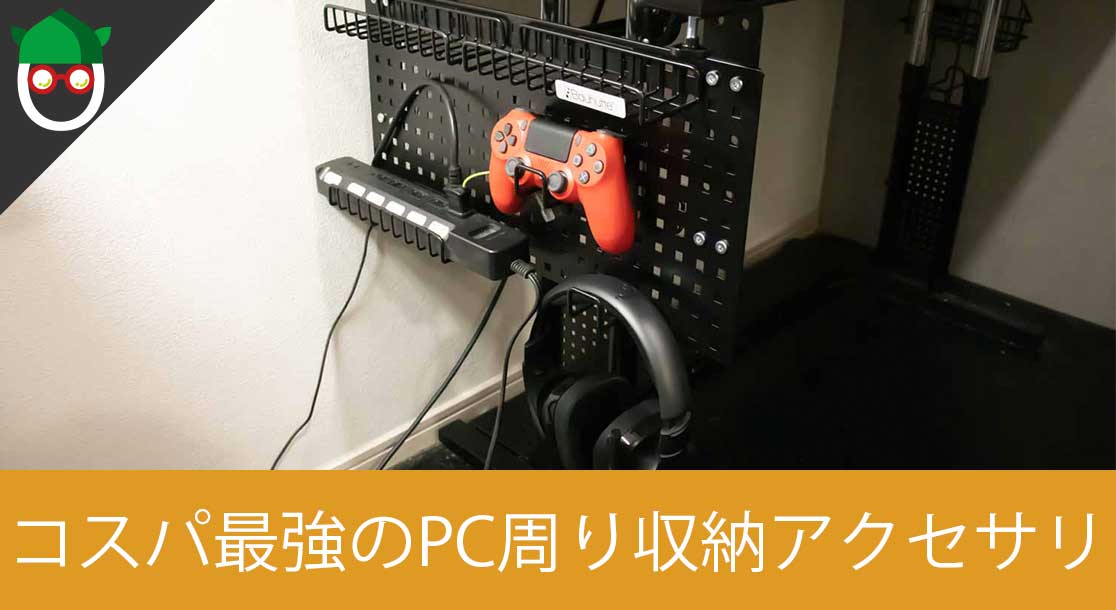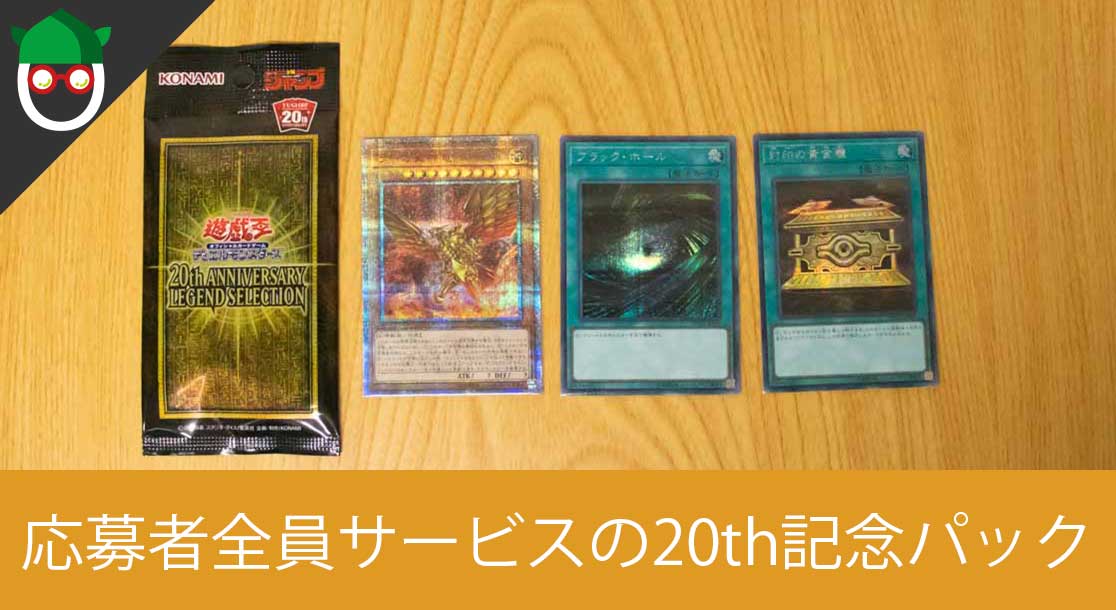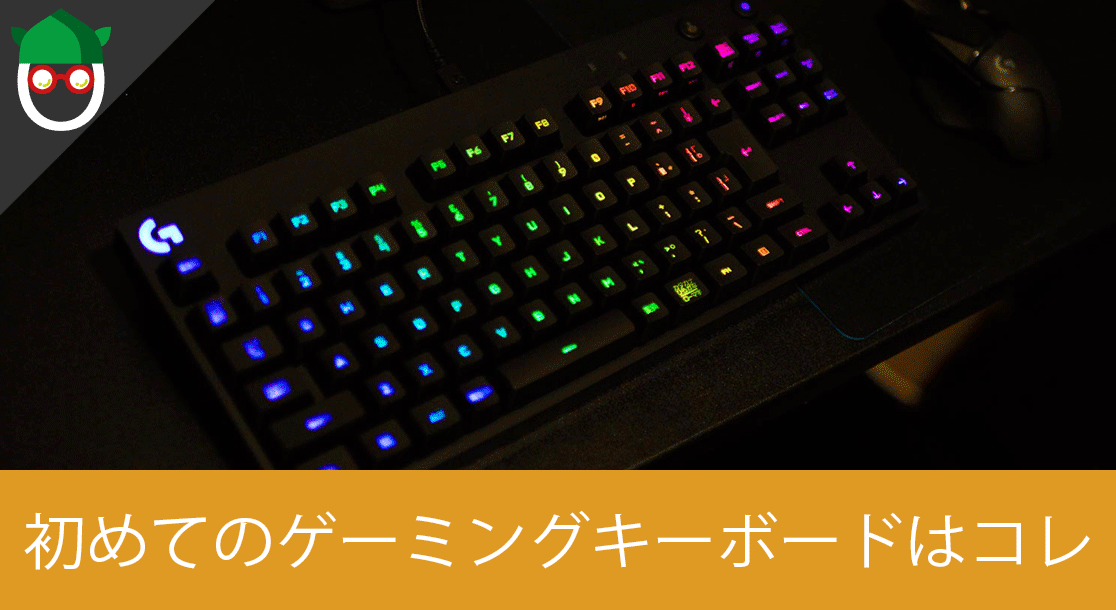




[ノースフェイス] THE NORTH FACE メンズ アウター マウンテンライトジャケット

防水暴風で耐久性抜群なので旅行で大活躍です!
レッドブル エナジードリンク 250ml×24本

翼を授けよう!
モンスターエナジー 355ml×24本 [エナジードリンク]

脳を活性化させるにはこれ!
ドラゴンクエスト メタリックモンスターズギャラリー メタルキング

みんな大好き経験値の塊をデスクに常備しておこう!
BANDAI SPIRITS ULTIMAGEAR 遊戯王 千年パズル 1/1スケール

もう一人の僕を呼び覚ませ!!
MOFT X 【新型 ミニマム版】 iPhone対応 スマホスタンド

Amazon一番人気のスマホスタンド!カード類も収納出来てかさ張らないのでオススメです!
サンディスク microSD 128GB

スマホからSwitchまで使える大容量MicroSDカード!
スポンサーリンク
目次
概要
前提
Point
- Ansibleインストール済み
- 対象サーバーへの公開鍵設定済み
- Apacheのポートは80
参考
ディレクトリ構造
|
1 2 3 4 5 6 7 8 9 10 11 12 13 14 15 16 17 |
. ├── httpd-install.yml ├── handlers │ └── httpd │ └── start.yml ├── inventories │ └── local │ ├── group_vars │ │ └── all.yml │ ├── host_vars │ │ └── 127.0.0.1.yml │ └── hosts └── roles └── httpd └── install └── tasks └── main.yml |
ファイル群
hosts
|
1 2 3 4 5 6 7 8 |
[all-servers:children] local-servers [local-servers:children] local [local] 127.0.0.1 |
group_vars
|
1 2 3 4 5 |
--- #------------------------------------------ # 環境 #------------------------------------------ ENV: "local" |
host_vars
|
1 2 3 4 5 6 7 8 9 10 11 12 |
--- #------------------------------------------ # Apache2.4 #------------------------------------------ HTTPD: DOCUMENT_ROOT_DIRECTORY: /var/www/html CONF: DIRECTORY: /etc/httpd/conf SERVICE: NAME: httpd YUM: NAME: httpd24 |
handers
|
1 2 |
- name: "httpd start" action: service name={{ HTTPD.SERVICE.NAME }} state=started |
roles
|
1 2 3 4 5 |
- name: instal yum: name: "{{ HTTPD.YUM.NAME }}" state: latest notify: "{{ HTTPD.SERVICE.NAME }} start" |
playbook
|
1 2 3 4 5 6 7 8 |
--- - hosts: local-servers remote_user: {実行ユーザー名} become: yes roles: - httpd/install handlers: - import_tasks: handlers/httpd/start.yml |
実行
|
1 2 3 4 5 |
ansible-playbook \ --private-key={秘密鍵へのパス} \ -u {実行ユーザー} \ -i inventories/local httpd-install.yml \ -K |
※実行ユーザーのパスワードの入力が求められます
|
1 2 3 4 5 6 7 8 9 10 11 12 13 14 15 |
SUDO password: PLAY [local-servers] *************************************************************************************************************************************** TASK [Gathering Facts] ************************************************************************************************************************************* ok: [127.0.0.1] TASK [httpd/install : install httpd] *********************************************************************************************************************** changed: [127.0.0.1] RUNNING HANDLER [httpd start] ****************************************************************************************************************************** changed: [127.0.0.1] PLAY RECAP ************************************************************************************************************************************************* 127.0.0.1 : ok=3 changed=2 unreachable=0 failed=0 |
確認
ブラウザで、http://localhost/にアクセスして、以下のような画面が表示されればインストール完了です♪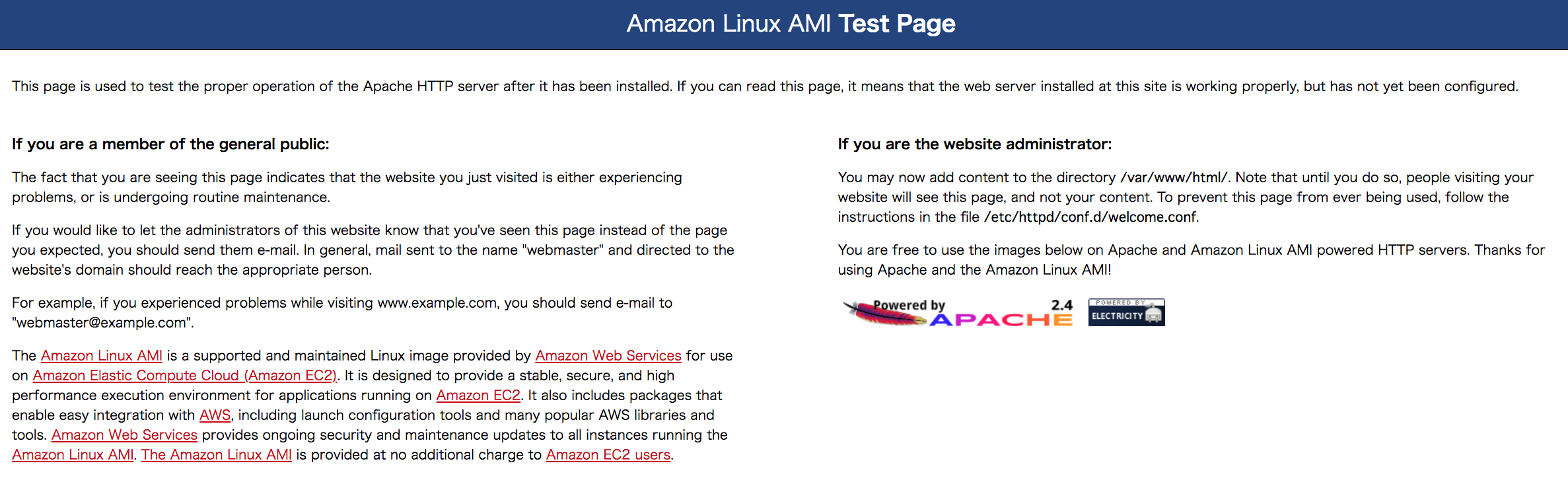













 Travenist

 Otakenist